
Start with Words or a Picture
Describe an imagined scene or upload an image to build on. A person, a product or a place gives the video its starting point; your prompt tells it what happens next.
Turn text or photos into expressive AI videos on MAGI-2, with natural motion, cinematic camera work and sound. Guide your scene with a prompt or references, and explore models including Seedance, Veo, Kling, Wan and MiniMax. Create online for free, with no sign up.
Ready to generate
Your generated video will appear here
Explore cinematic scenes, lifelike characters and imaginative worlds. Watch how expressive movement, detailed lighting and changing camera angles bring an idea to life, from a quiet close-up to a scene with several story beats. Seedance-style results, at a fraction of the cost. Start creating for free with MAGI-2.
Give your video a subject, a moment and a direction. Start with words or a photo, then shape how the scene moves and feels with your prompt and references.
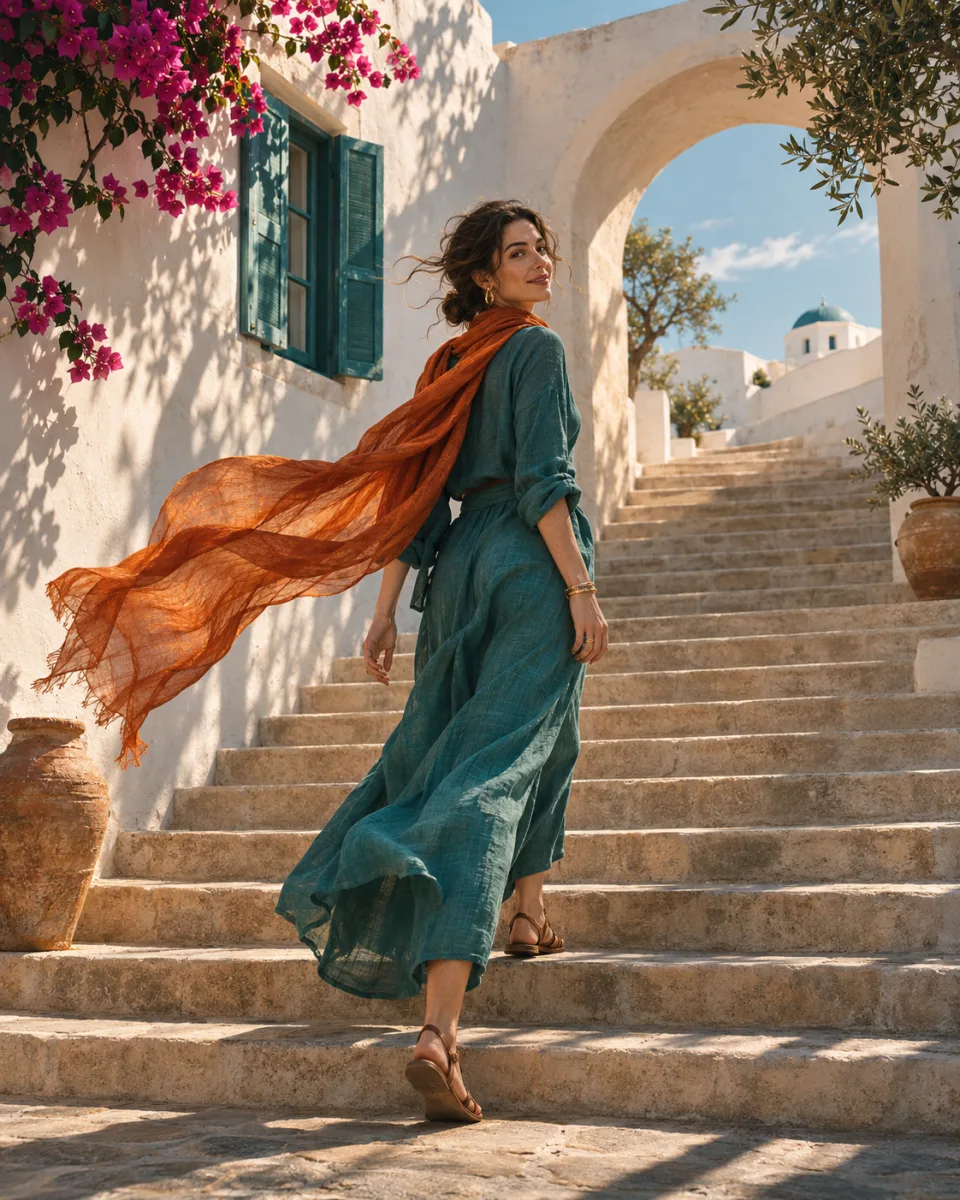
Describe an imagined scene or upload an image to build on. A person, a product or a place gives the video its starting point; your prompt tells it what happens next.
Ask for a glance over the shoulder, a slow camera push-in or a sequence of movements. Add the lighting, pace and atmosphere that make the moment feel right.
Guide appearance with reference images, define a beginning and ending with two frames, or use a reference clip for movement. Available controls depend on the model you choose.
Inputs, duration, resolution and sound vary by model. Review the available settings and credit cost before generating; maximum specifications do not apply to every free generation.
Create realistic scenes, cinematic moments, animated characters or worlds that only exist in your imagination. Describe the light, textures, color and mood you want, then use your prompt and references to give the video a distinctive visual style.
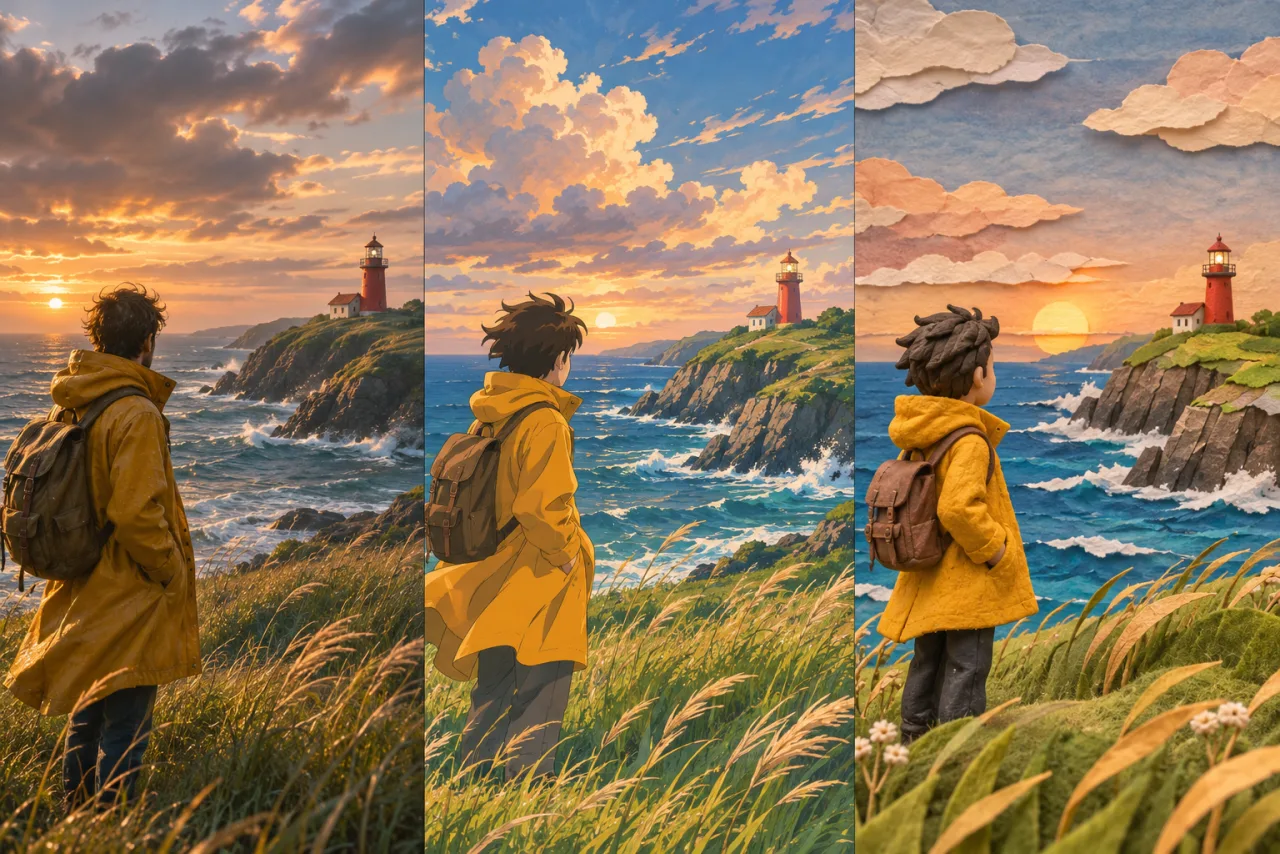
A scene to make your own
A traveler in a yellow raincoat stands above the sea beside a lighthouse. The coat moves in the wind as the camera slowly draws closer. Warm sunset light, textured cliffs, a quiet cinematic mood.
Everyday settings, believable lighting and subtle expressions for portraits and scenes that feel grounded.
Deliberate framing, atmospheric light and expressive camera movement for a scene with a film-like mood.
Bring drawn characters and painted worlds into motion while guiding their colors and visual character.
Try rounded characters, tactile materials and playful environments inspired by crafted animation.
Imagine unfamiliar landscapes, futuristic cities and creatures beyond the everyday.
Use clean compositions, considered backgrounds and controlled movement to focus attention on an object.
Create online in your browser on mobile or desktop. You do not need to install software or film your own footage. Start with one clear idea, give the action and camera a direction, and refine the result as you explore.
Write a scene description or upload your own photos. Name the subject, the setting and the main action. If you have reference material, choose a mode that supports it.
Describe camera movement, lighting and visual style. Choose the available duration, resolution and aspect ratio, and review the model settings before generating.
Start your video and watch its progress on the page. Play the result, then adjust one detail at a time, such as the action, framing or reference image, for your next take.
Use MAGI-2's free AI video generator for social clips, product concepts and visual stories. Start with the moment you want to show, then shape its movement and mood. Use the result as a standalone scene or as material for a larger edit.
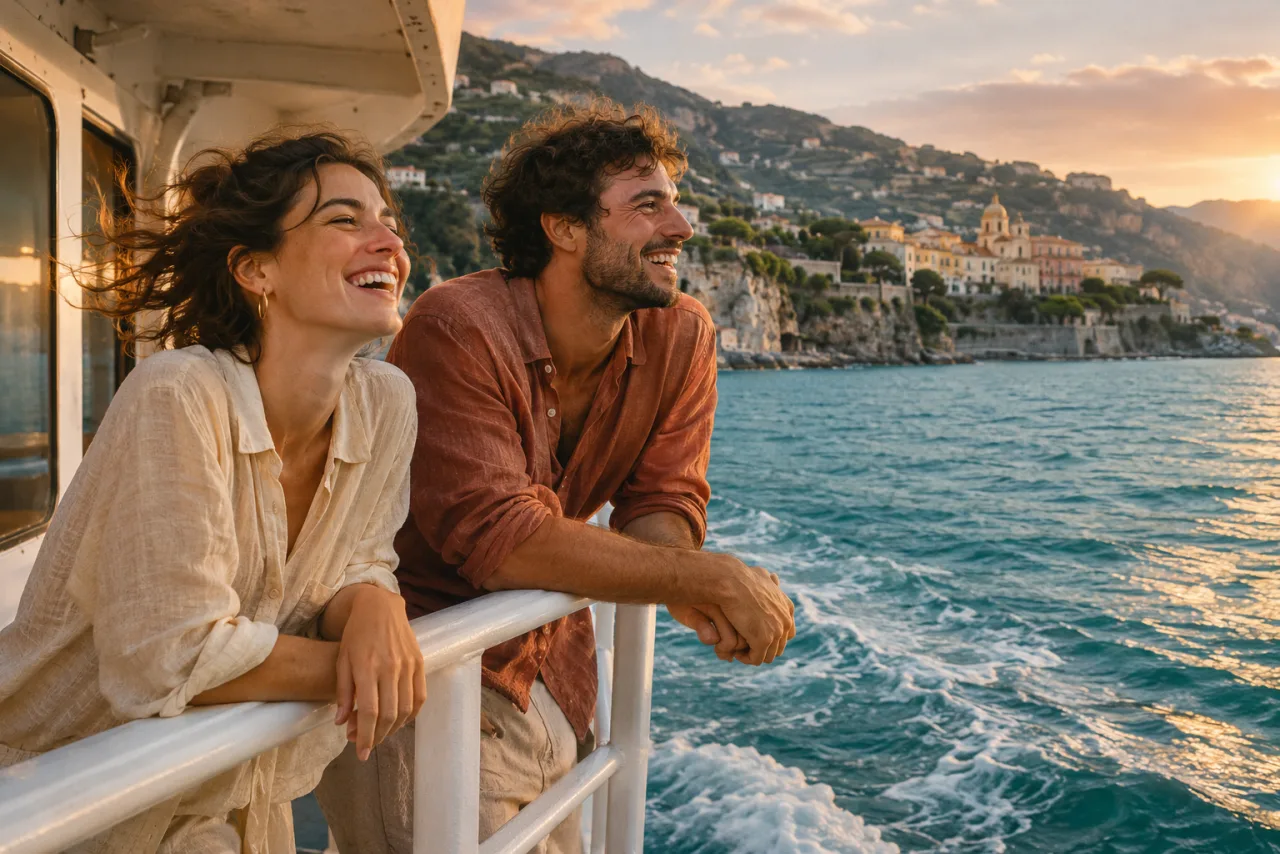
Create a vertical scene, a visual hook or a short insert for your next social video. Choose a portrait ratio and focus on one memorable action.
Try: A friend laughs on a sunset ferry ride as the camera moves closer, warm light and sea breeze, vertical framing.
Give a favorite photo a little movement, from a portrait turning toward the camera to a pet tilting its head. Start with a clear image and a simple action.
Try: Animate this dog photo with a gentle head tilt and a small tail wag; keep the camera still.
Explore movement for a drawing, a stylized character or a small imaginary world. Use the original image to guide the look and describe how the moment unfolds.
Try: A tiny clay astronaut waves from a moon garden as soft dust drifts past, playful miniature animation.

Turn a product photo into a short showcase or explore a creative direction for an ad. Guide the viewpoint and lighting, then review product details before using the clip.
Try: Slowly circle this perfume bottle in warm studio light; keep its shape and surface details recognizable.
Visualize a story beat, test a character action or explore the atmosphere of a location. Build individual scenes that can become part of your own film or edit.
Try: A courier enters a rain-soaked station, pauses beneath the clock and looks back; a slow tracking shot.
Create an establishing shot, a detail or an atmospheric insert for a video you are editing. Match the framing and mood to the footage around it.
Try: Steam rises from a ceramic coffee cup beside a window; soft morning light and a slow camera push-in.
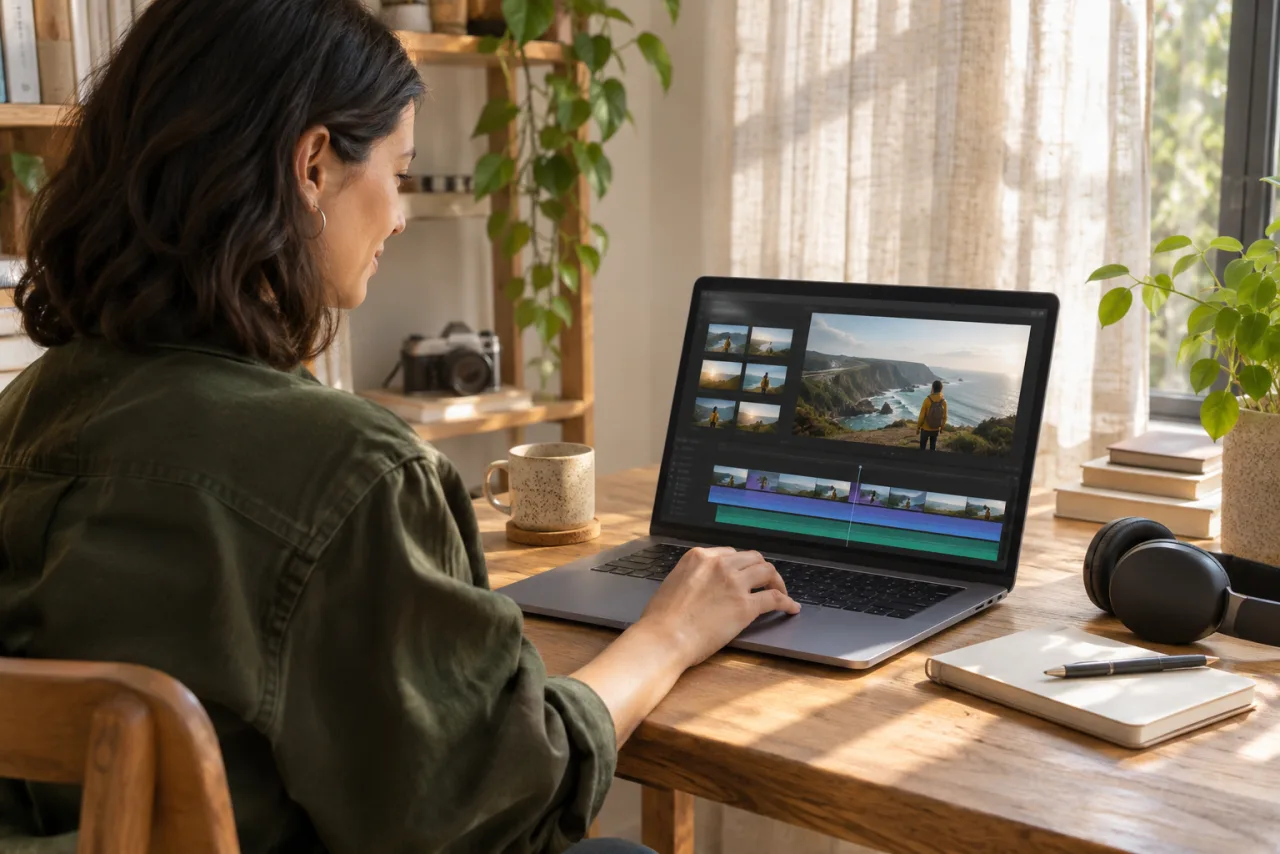
Download your videos as watermark-free MP4 files, then bring them into the editing and publishing tools you already use.
Save your videos as MP4 files without a watermark, ready to use in your next project.
Use your own editor to trim downloaded clips, add captions or music, and combine them with other footage. Share the finished edit on social media or include it in a larger project.
Create videos for personal stories, social content, product promotions and other commercial projects.
Answers about creating, watching and using your videos on MAGI-2.
Yes. Each person can generate up to 5 AI videos for free per day on MAGI-2, with no sign up or credit card required. Start with a text prompt or photo. Your free allowance refreshes daily.
Yes. Describe a scene with Text to Video, or upload a photo with Image to Video. Selected models also support first and last frames, multiple reference images, or reference video and audio. Available inputs are shown for the model and mode you choose.
MAGI-2 supports AI videos up to 30 seconds long and resolutions up to 4K, in portrait or landscape. Available duration and resolution options depend on the model you choose.
Supported models can create video with dialogue, sound effects or ambience. Audio availability depends on the model and mode; check the options before generating. Sound generation does not mean every model will read a script word for word or add subtitles.
The wait depends on the model, clip length, resolution and current queue. You can follow generation progress and play the video on the page when it finishes. More demanding settings may take longer.
Yes. You can download your videos as MP4 files without a watermark.
You can edit eligible downloaded videos in your own software and use them in personal or commercial projects under our terms. Use photos, reference material and other inputs you have the right to use. Review your final video before publishing.
No. MAGI-2 does not make your uploaded photos or reference files public or display them in public showcases.
MAGI-2 supports Seedance, Google Veo, Gemini Omni, Kling, Wan, Grok Imagine, MiniMax and HappyHorse. You can select a model directly in the video generator.
Describe one clear scene with a subject, action, setting, camera movement and visual style. Use a clear reference image when appearance matters. If a result misses the mark, adjust one part of your prompt at a time and simplify complicated actions. Results can vary between generations.
Check the error shown in the generator, adjust your prompt or reference files if needed, and try again. Contact support if the issue continues.
Start with a few words or a photo. Give it movement, find its style and see where your imagination takes you.